Learning games from
your own materials
Paste notes, upload files or create a topic - KonniePaw helps you practice through quizzes, concept maps, math challenges, coding tasks, visual recall and teacher-led activities.
From material to mastery
KonniePaw turns passive notes into active practice.
Add material
Paste notes, upload files, create folders or choose a topic.
Choose a mode
Generate quizzes, concept maps, formula tasks, coding drills and recall games.
Practice actively
Drag, type, solve, code, reveal, match and correct mistakes.
Track progress
Save games, repeat weak topics and keep everything organized in your library.
More than quizzes - active recall in many forms
Create practice that makes learners retrieve, choose, type, reveal and rebuild knowledge instead of just rereading notes.
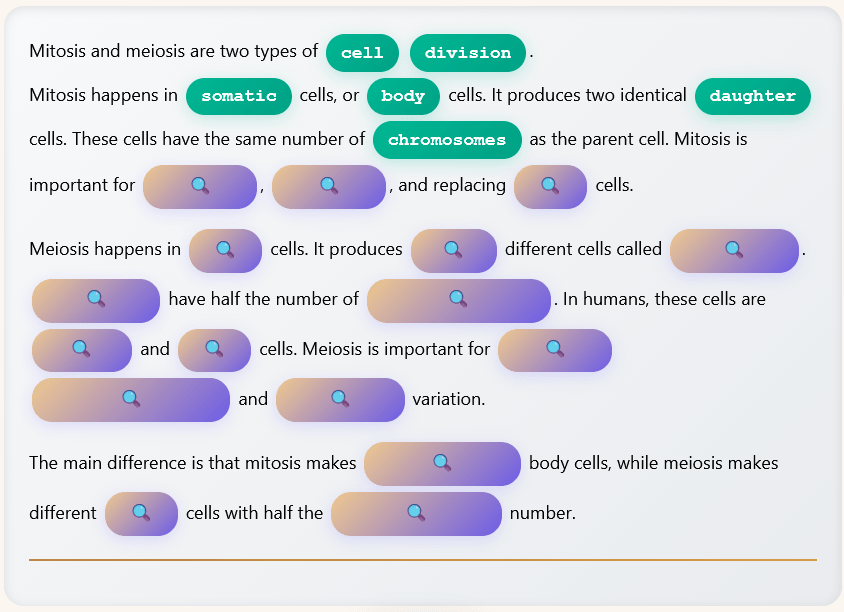
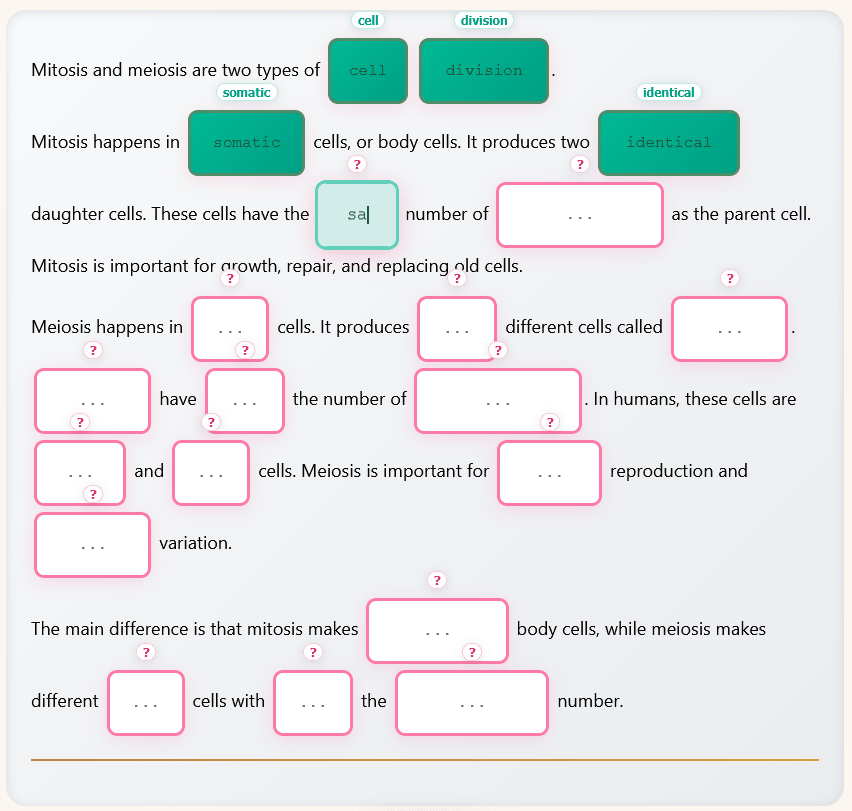
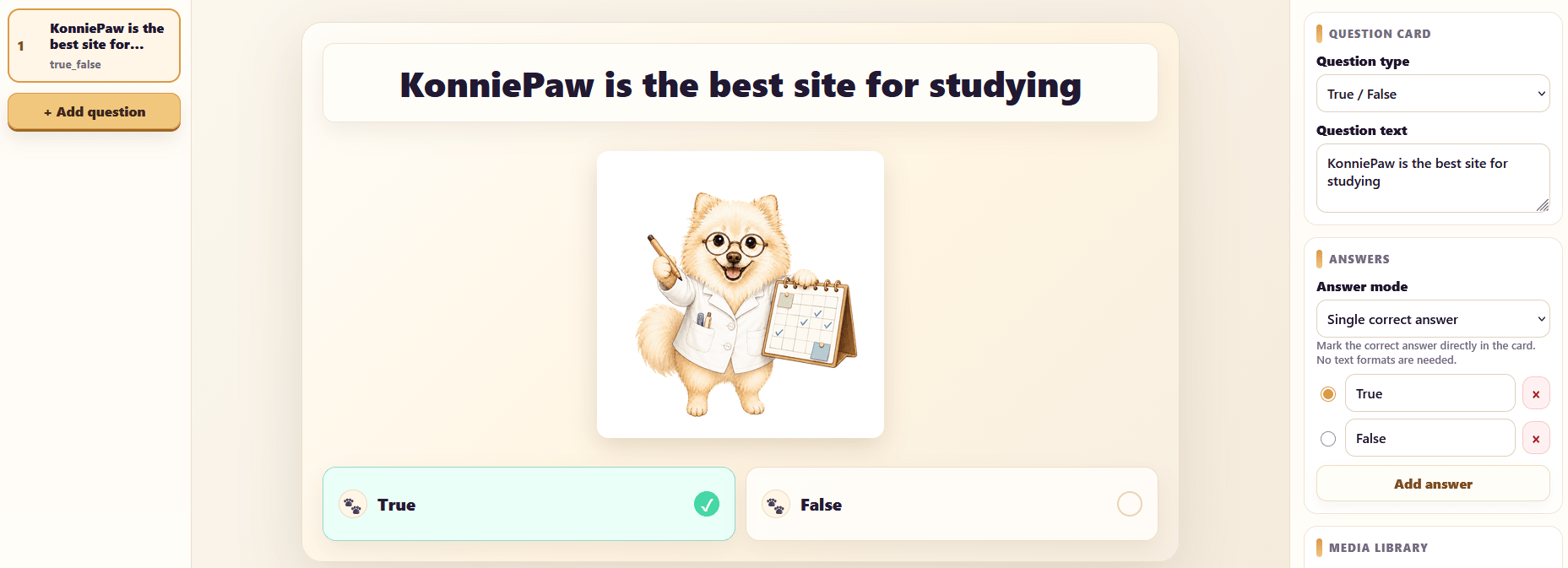
Interactive text quiz
Turn a lesson into a playable text with hidden terms and answer choices.
Reveal and fill-in modes
Let students reveal missing concepts or type answers from memory, depending on how hard the session should be.
Multiple Choice
Fast checks with clear answer options.
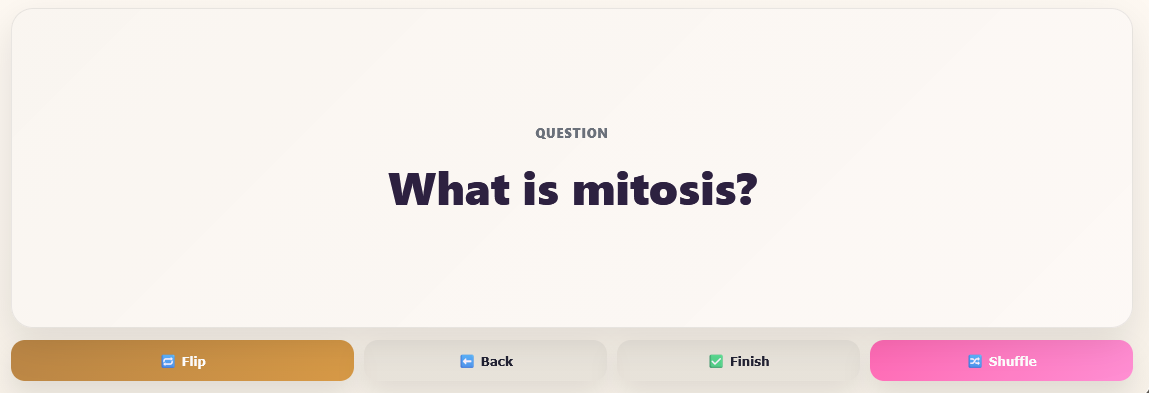
Definition Sprint
Speed up term-to-definition memory with short rounds.
Random Letters
Rebuild words and spelling patterns from memory.
Matching
Connect terms, meanings and examples with drag-and-drop practice.
Find the Switched Word
Train close reading by spotting changed words inside familiar text.
Listen and Type
Practice spelling and listening by typing what you hear.
Understand complex topics visually
Perfect for biology, anatomy, systems, processes and anything that needs spatial or conceptual memory.
Build connections between ideas
Label branches and complete knowledge graphs step by step.
Recall diagrams visually
Hide labels on diagrams and recall them visually. Great for anatomy, geography, biology and schemes.
Practice the reasoning, not just the answer
KonniePaw helps learners train formulas, solution steps and full written reasoning.
Order the method
Put solution steps in the correct order and learn the logic behind the method.
Strengthen symbols
Fill missing variables and formula parts to strengthen symbolic understanding.
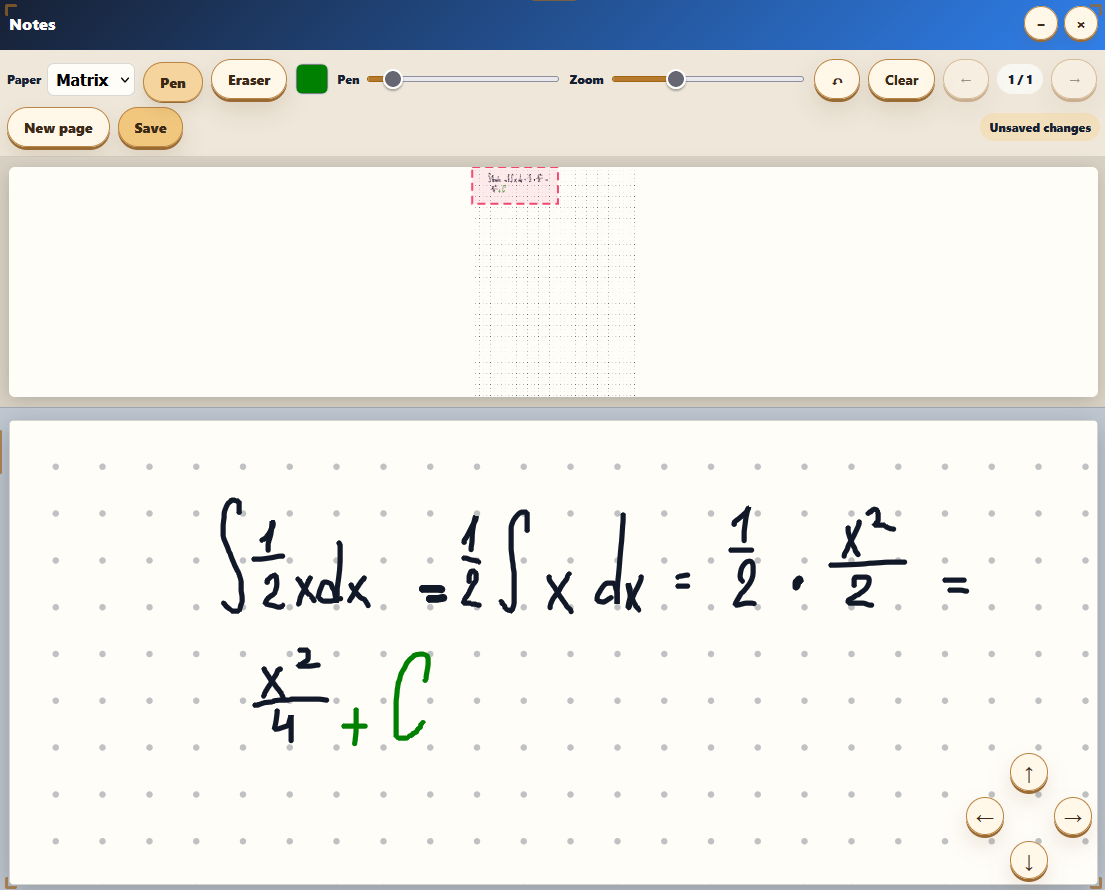
Full reasoning workspace
Write complete solutions with a math keyboard and a notes workspace.
Match variables
Train what each symbol means before moving to full formulas.
Coding Lab for hands-on practice
Train programming as a real skill: commands, input-output tasks, code tracing and memory reconstruction.
Practice terminal commands
Fast, focused challenges for real command-line fluency.
Run tests in the browser
Solve programming tasks and check input-output cases directly.
Rebuild code from memory
Strengthen syntax recall by reconstructing working snippets.
Trace logic step by step
Improve code reading and prediction by following execution.
Predict program output
Read code carefully and choose what it prints before running it.
Build code in order
Drag shuffled lines into a working solution and ignore distractors.
Run classroom games from the same materials
Teachers can build a quiz, launch a room, show a projector screen, split students into teams and save results for review.
- Room code and QR join
- Team mode and leaderboard
- Projector screen for the class
- Media, formulas and visual tasks
Adventure mode
Turn saved sets into story-like missions, keep students motivated, and guide each game step by step.
Save. Launch. Compete.
Mission mode turns saved sets into a visible learning adventure, where class members compete, progress is clear, and momentum stays high.
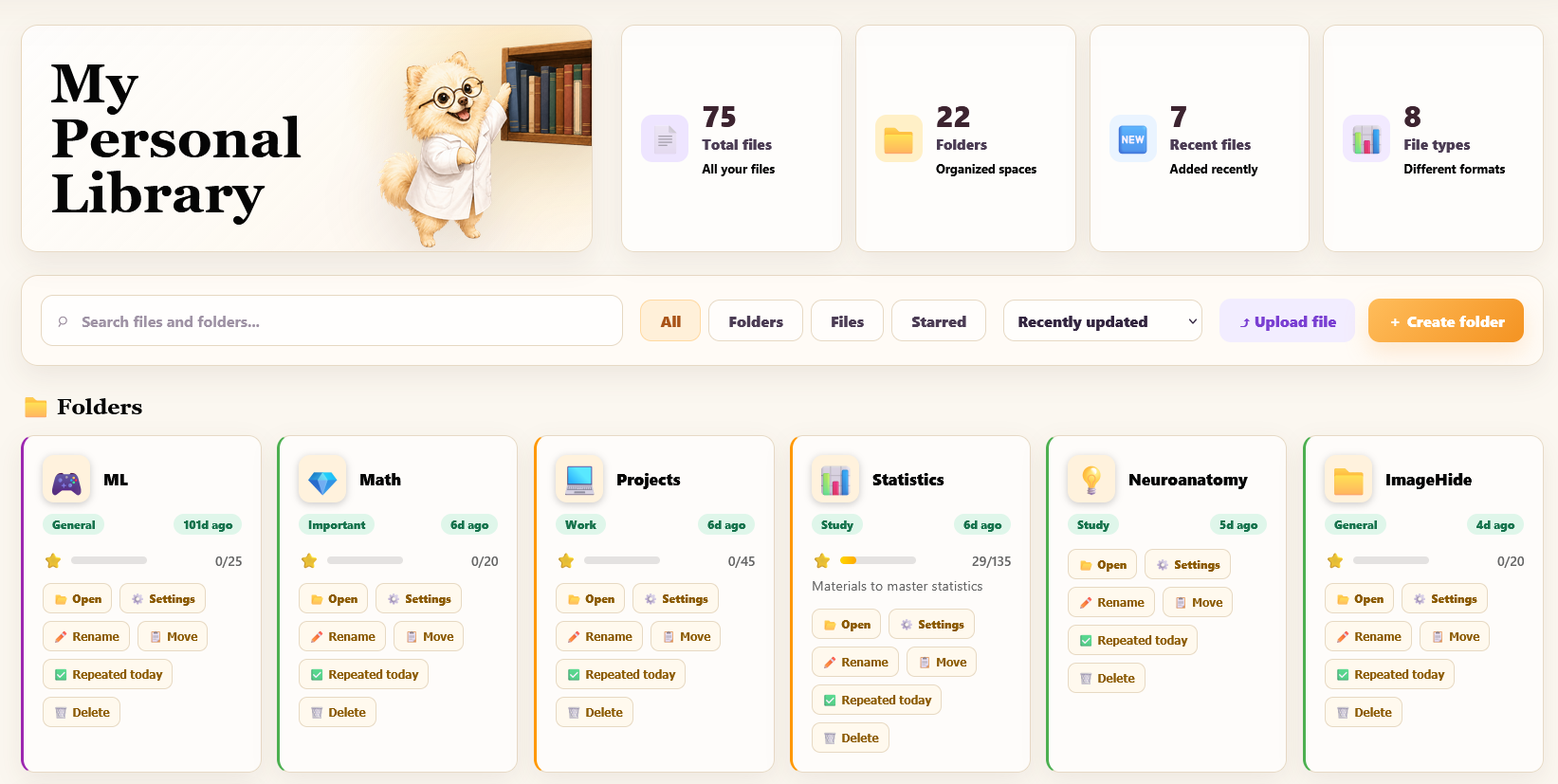
Your personal learning library
Store materials, folders, generated games and repeated topics in one cozy place.
- Organize by folders
- Save files and games
- Track repeated topics
- Keep materials connected to practice modes
Everything you need to study and teach
A library, AI-assisted creation, notes and review tools work together so practice stays connected to the original material.
Keep every material close
Files, folders, generated games and shared sets stay organized in one place.

Create from your notes
Turn pasted text or uploaded files into structured questions faster.
Reason before checking
The notes workspace helps students write their thinking, not just click answers.
Live rooms and assignments
Launch a classroom game, share homework and collect results without extra prep.

Weak topics come back
Mistakes and flashcards can return in training when they need attention.
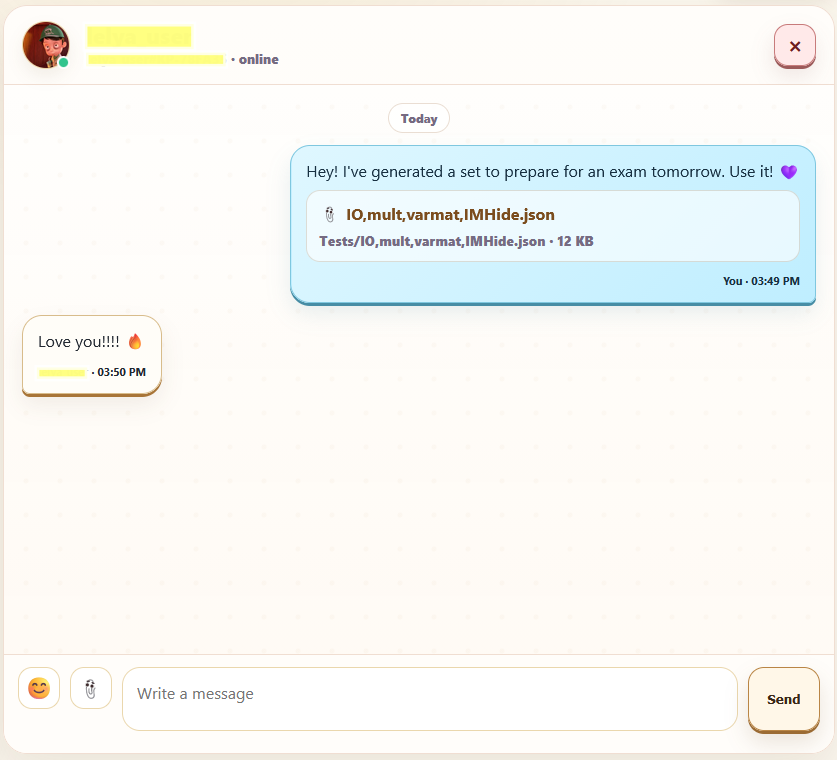
Send materials to friends
Share games and files in chat while keeping the preview playable and useful.
Teacher Corner: live quizzes and assignments
Create classroom activities, share them with students and collect results without turning lesson prep into extra work.
Live Quiz
Run a live session where students join by code, answer in real time and see progress.
Assignments
Create homework or self-paced practice, share a link and review completion.
Student results
Save results, mistakes and progress for each activity.
Flexible settings
Choose whether to show correct answers, return mistakes for review, allow retries and show public stats.
For students
Turn boring notes into practice sessions. Prepare for tests, repeat weak topics and make memory visible.
- Active recall
- Visual learning
- Math and coding practice
- Personal library
- Progress and streaks
For teachers
Create interactive games, live quizzes and assignments from your own materials.
- Share links
- Run live quizzes
- Assign homework
- Collect results
- Customize settings
Learn with practice, step by step.
Explore the interactive modes and choose what fits your material.